How to Create AI Impressionist Art (Monet Style Painting Guide)
How to Create AI Impressionist Art (Monet Style Painting Guide)
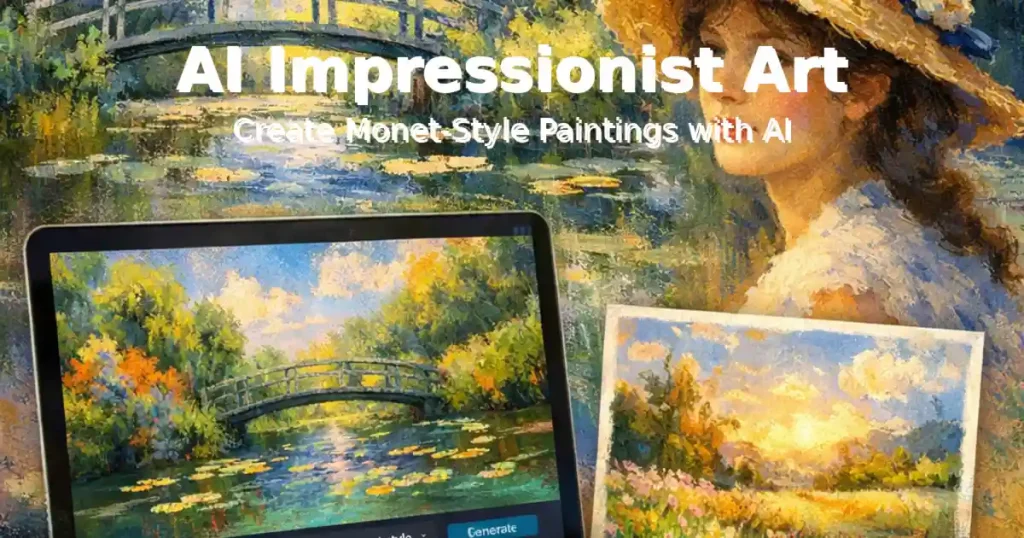
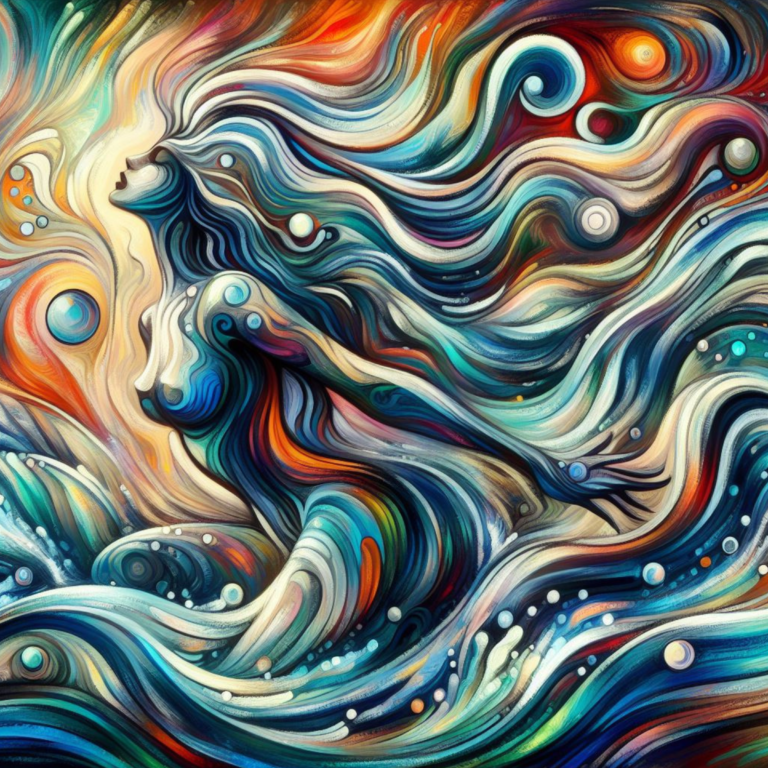
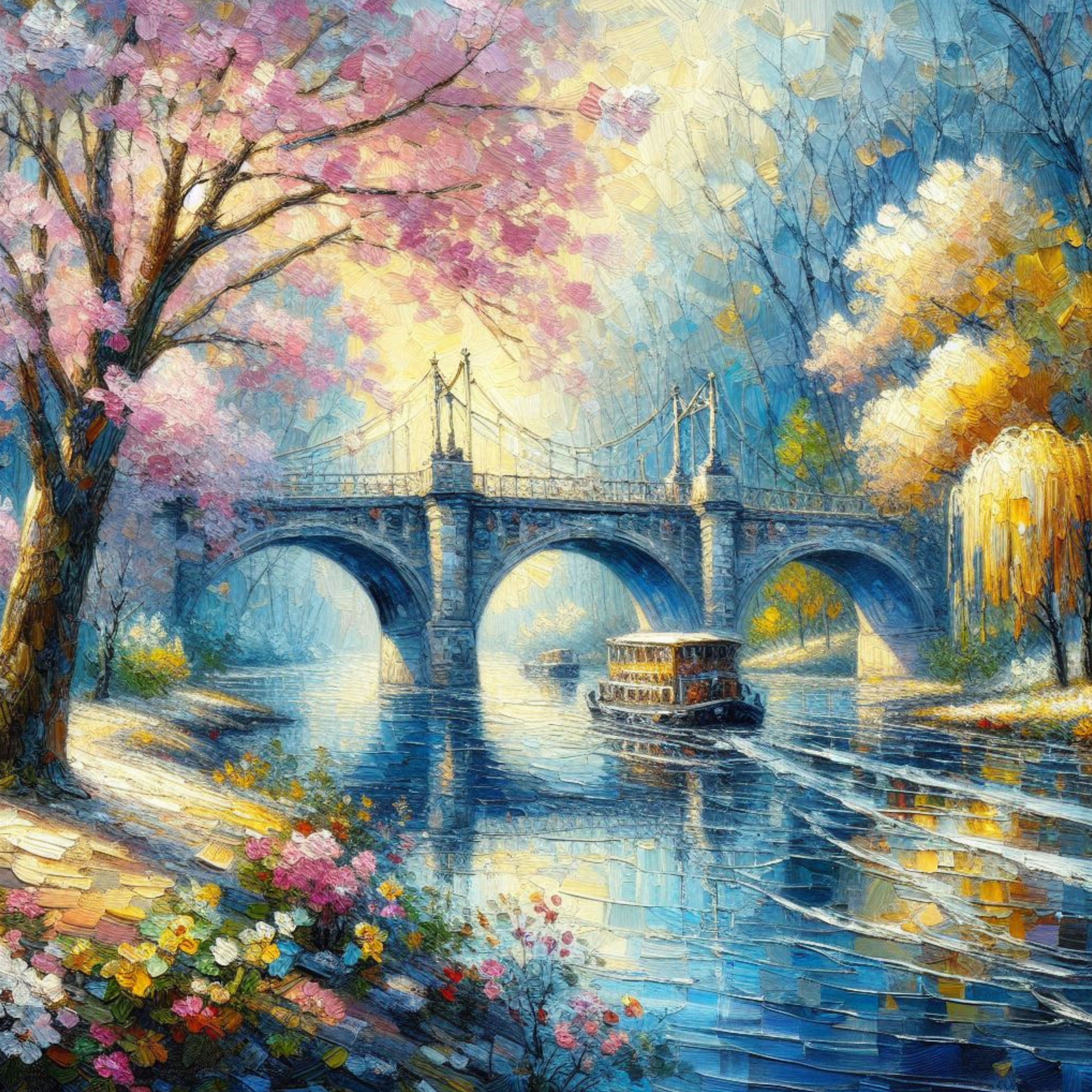
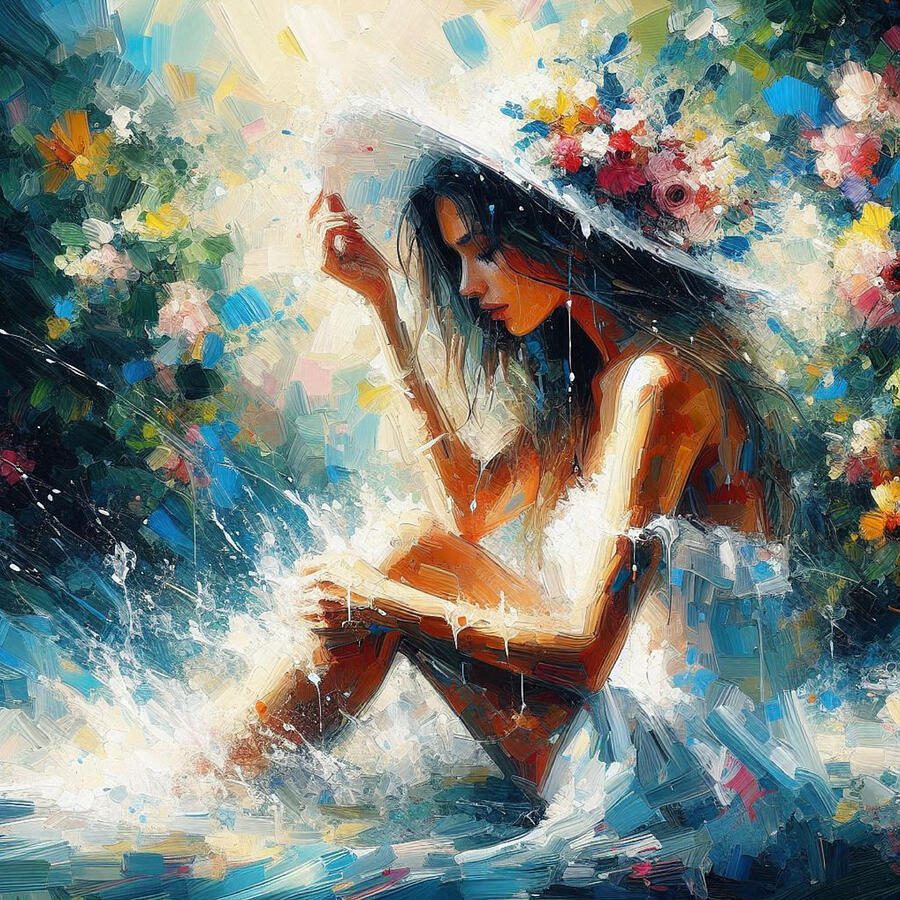
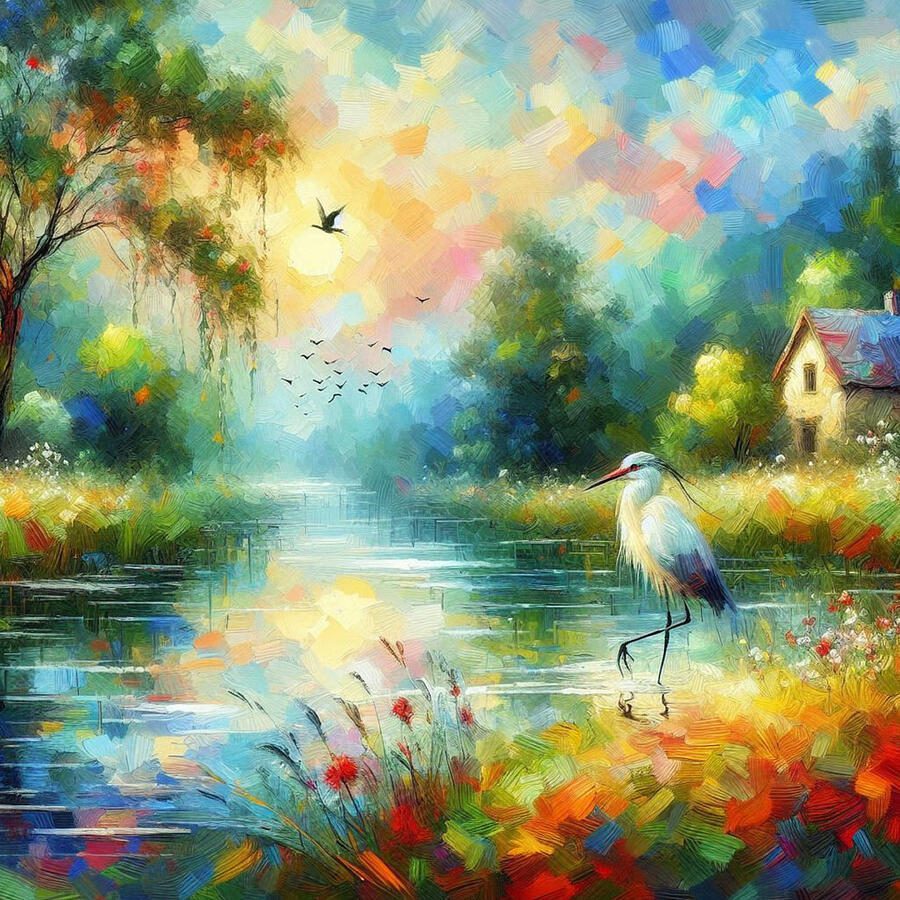
Impressionist paintings are known for soft brush strokes, glowing light, and dreamy color palettes. Artists like Claude Monet and Pierre-Auguste Renoir helped define this style by capturing everyday moments using loose, expressive techniques.
Today, AI art generators make it possible to create Impressionist-style paintings in seconds. With the right prompts and tools, you can generate landscapes, portraits, and nature scenes that look like classic Impressionist artwork.
In this guide you will learn:
• how to create Impressionist AI art
• the best AI tools for Impressionist painting styles
• prompts you can copy and use
• tips for improving AI-generated Impressionist artwork
If you’re new to AI art, you may also want to read:
➜ How AI Art Works
➜ Best AI Art Generators for Artists
Choosing the Right AI Tool
With numerous AI art tools available, selecting the right one can be overwhelming. Here are some factors to consider:
- Ease of use: If you’re new to AI art, a user-friendly interface is essential.
- Image quality: Look for tools that produce high-resolution images with vibrant colors and details.
- Customization options: The ability to fine-tune your results is crucial for achieving your desired Impressionist style.
- Cost: Some AI tools offer free plans, while others require a subscription.
- Community and support: A strong community and responsive support can be valuable resources.

AI Prompts for Impressionist Style Art
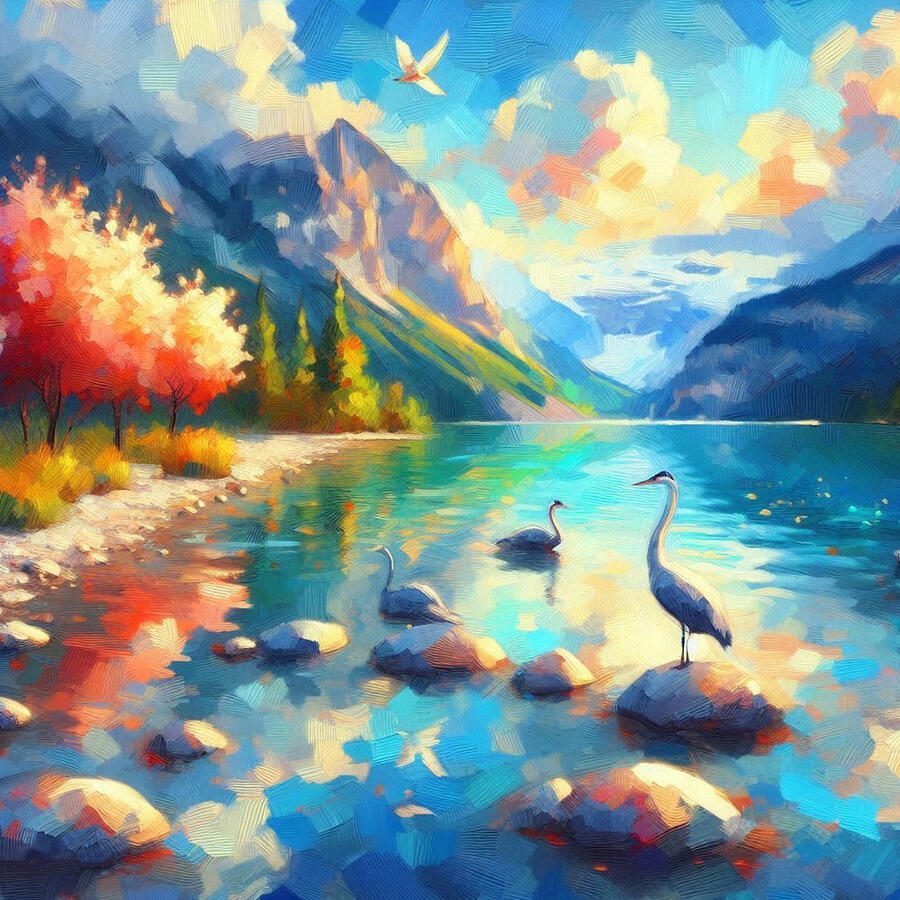
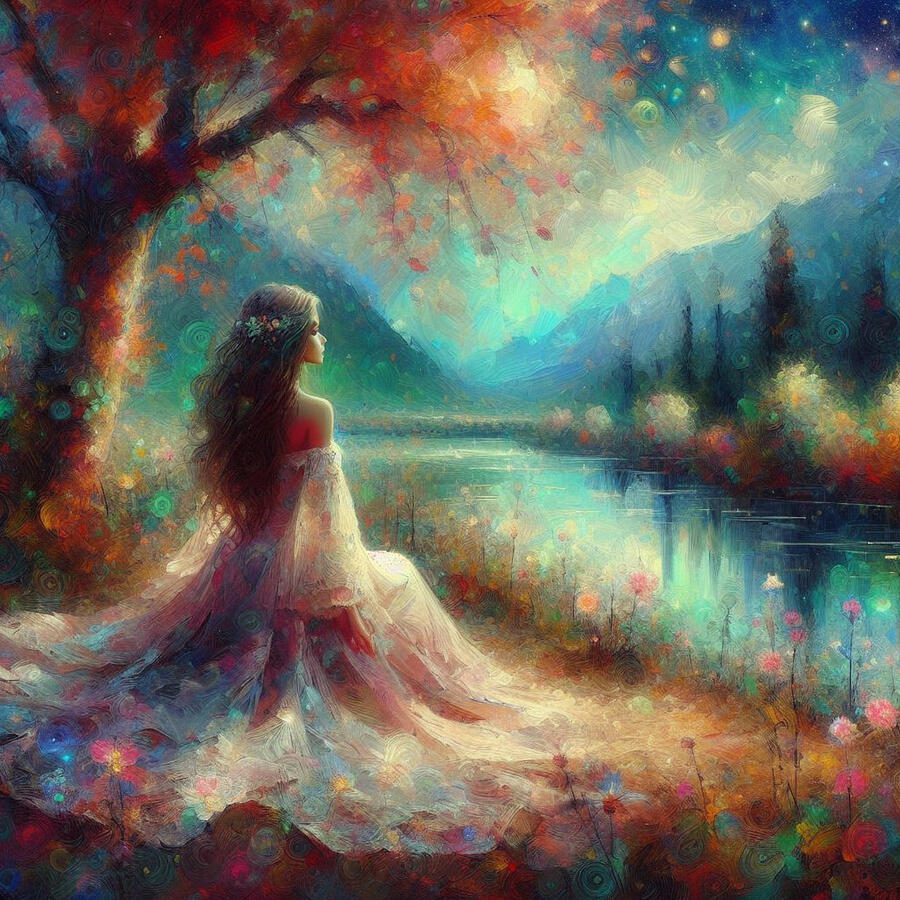
You can create beautiful Impressionist artwork by using descriptive prompts that focus on light, brushstrokes, and color.
Here are a few examples you can try.
Impressionist Landscape Prompt
impressionist painting of a peaceful countryside meadow, golden sunset light, soft brush strokes, wildflowers, monet style, dreamy atmosphere, oil painting texture
Impressionist Garden Prompt
lush garden in impressionist painting style, soft pastel colors, sunlight filtering through trees, loose brush strokes, claude monet inspired
Impressionist Portrait Prompt
impressionist portrait of a woman wearing a sun hat, soft brush strokes, warm lighting, painterly texture, classic 19th century impressionism
Impressionist Water Scene Prompt
impressionist painting of lily pads on a pond, morning light reflecting on water, monet inspired brush strokes, pastel colors
You can experiment with adding details like:
- sunrise lighting
- dreamy atmosphere
- pastel palette
- oil paint texture
- 19th century painting
How to Create Impressionist AI Art (Step-by-Step)
Step 1 – Choose an AI Art Generator
Popular tools include:
- Midjourney
- Stable Diffusion
- DALL-E
- NightCafe
Each tool offers different levels of control and artistic style.
Step 2 – Write a Descriptive Prompt
Include details about:
- lighting
- color palette
- brush style
- subject
- atmosphere
Example:
impressionist painting of a countryside path, warm sunset glow, loose brush strokes, pastel colors, monet inspired
Step 3 – Generate Multiple Images
AI tools often produce different results each time.
Generate several versions and choose the one you like best.
Step 4 – Refine or Upscale
Many AI tools allow you to:
- upscale images
- add variations
- adjust colors
- improve detail
You can also edit the image in programs like Photoshop or Canva.
Best AI Tools for Impressionist Art
When selecting AI software to create Impressionist art, consider factors like ease of use, image quality, and customization options. Here are some popular choices:
Midjourney
- Known for: High-quality, photorealistic images and a strong emphasis on artistic style.
- Strengths: Excellent at capturing light and atmosphere, which is crucial for Impressionism. Offers a variety of styles to experiment with.
- Weaknesses: Can be challenging for beginners due to its Discord-based interface.
Stable Diffusion
- Known for: Versatility and customization options.
- Strengths: Allows for fine-tuning of parameters to achieve specific artistic styles, including Impressionism. Offers a wide range of models and styles.
- Weaknesses: Can produce inconsistent results if not used carefully. Requires more technical knowledge than some other tools.
DALL-E
- Known for: Photorealism and creative image generation.
- Strengths: Can generate highly detailed and realistic images, which can be a good starting point for Impressionist-inspired works. Offers a user-friendly interface.
- Weaknesses: Might struggle with the abstract and loose brushstroke characteristics of Impressionism compared to other tools.
NightCafe Creator
- Known for: User-friendly interface and a variety of styles.
- Strengths: Offers a wide range of artistic styles, including Impressionism. Easy to use for beginners.
- Weaknesses: Might not offer the same level of customization as other tools.
Read my review and tutorial of Nightcafe
Artbreeder
- Known for: Image manipulation and blending.
- Strengths: Allows users to combine different images and styles to create unique artworks. Useful for experimenting with Impressionist elements.
- Weaknesses: Not primarily designed for image generation from scratch.
Remember: These are just a few examples, and the best tool for you will depend on your specific needs and preferences. Experiment with different platforms to find the one that best suits your artistic vision.
Refining Your AI-Generated Impressionist Art
Once you have chosen an AI tool, you can start to refine your AI-generated Impressionist art. Here are a few tips:
- Use descriptive prompts: The more descriptive your prompts are, the better your AI will be able to understand what you want. For example, instead of saying “create an Impressionist painting,” you could say “create an Impressionist painting of a woman walking through a field of sunflowers.”
- Experiment with different styles: There are many different styles of Impressionism, so don’t be afraid to experiment with different ones. You can try different brushstrokes, colors, and compositions to find the style that you like best.
- Use reference images: If you have a specific Impressionist painting in mind, you can use a reference image to help the AI generate a similar painting.
- Post-process your images: Once you have generated an AI-generated Impressionist painting, you can use photo editing software to make further adjustments. You can change the colors, add filters, or even add your own brushstrokes.
🎬 Watch: How to Create Monet-Style Impressionist AI Art
If you’d like to see how AI can recreate the classic Impressionist painting style used by artists like Claude Monet, this video shows the process step by step. It demonstrates how prompts and AI models can generate soft brush strokes, glowing colors, and atmospheric scenes inspired by traditional Impressionist artwork.
Final Thoughts
AI art generators have opened up exciting possibilities for creating artwork inspired by classic painting styles like Impressionism.
With the right prompts and tools, you can generate beautiful digital paintings that capture the glowing light, soft brush strokes, and vibrant colors that define Impressionist art.
The best way to improve your results is to:
• experiment with different prompts
• try multiple AI art generators
• study traditional Impressionist paintings for inspiration
As AI technology continues to evolve, the ability to create expressive artwork using digital tools will only become more powerful.
Learn More About AI Art
If you’re interested in exploring more on AI art, these guides may help:
➡ Best AI Art Generators for Artists
➡ Are AI Artists Real or Fake?
➡ Advanced AI Painting Techniques
➡ How to Make Money Selling AI Art