Top 5 AI Art Generator Software for Beginners
AI art is changing how we create. With the right tools, anyone—even without design experience—can make stunning artwork in minutes. Whether you want to experiment, share on social media, or start a new creative hobby, AI art generators make it easy.
Before we dive into the best tools to try, let’s quickly break down how AI art works—so you understand what’s happening behind the scenes.
How AI Art Generation Works (In Simple Terms)
AI art might sound complex, but the idea behind it is simple: machines learning how to make art.
AI art tools use special algorithms—basically, very smart computer programs—to study patterns, shapes, and styles from real artwork. These programs are trained using tons of existing images, helping them “learn” what makes something look artistic.
Once trained, the AI can create original images based on what it’s learned. Sometimes, it works completely on its own. Other times, it takes input from you—like a photo or a few words—and turns it into art.
Two Main Techniques AI Uses
- Generative Adversarial Networks (GANs)
This method uses two AI systems working together:- One creates images (the “generator”).
- The other checks them to see if they look real (the “discriminator”).
- Style Transfer
This method blends the style of one image (like a painting) with the content of another (like your selfie).
The result: your photo looks like it was painted by a famous artist.
Why Artists Love Using AI
AI isn’t just smart—it’s useful too. Here are a few reasons creatives are excited about it:
Collaborate with Technology
You don’t just press a button and walk away. Many tools let you guide the process. It’s like working with a super-smart assistant.
Try New Styles
Want to paint like Van Gogh or create surreal digital pieces? AI helps you explore styles you may never have tried before.
Save Time
AI speeds things up. You can generate a piece in seconds, then fine-tune it instead of starting from scratch.
Get Inspired
Stuck in a creative rut? Let the AI give you a starting point. Think of it as a brainstorming buddy.
Now that you understand the basics of how AI creates art, it’s time to try it for yourself.
Here are five of the best beginner-friendly AI art tools. They’re fun, simple, and packed with creative potential.
1. NightCafe Studio
Best for: Turning photos into famous art styles
Skill level: Total beginner
Why it’s great:
NightCafe makes it super easy to create art using your photos. Just upload an image, pick a style—like Van Gogh or Monet—and the AI transforms it into a masterpiece.
Key features:
- Simple interface
- Many style filters
- Fast and automatic
Pros:
- Very beginner-friendly
- Great artistic results
- Web and mobile versions
Cons:
- Limited control over details
- Can be slow during busy times
Price: Free version available, with premium options for more features
Where to try: nightcafe.studio
2. ArtBreeder
Best for: Mixing and blending art styles
Skill level: Beginner to intermediate
Why it’s great:
ArtBreeder lets you combine different images and tweak them using sliders. It’s like creating art by remixing what’s already there.
Key features:
- Sliders to adjust style, color, shape
- Works great for faces and landscapes
- Strong creative community
Pros:
- Very interactive and fun
- No technical skills needed
- Endless creative options
Cons:
- Limited high-res downloads unless paid
- Some control features are basic
Price: Free basic version, subscriptions for higher quality and storage
Where to try: artbreeder.co
3. Fotor AI Art Generator
Best for: Creating images from text prompts
Skill level: Beginner
Why it’s great:
Fotor’s AI generator lets you describe what you want to see—like “a futuristic city in neon lights”—and then it turns your words into art. It’s quick, creative, and requires zero design experience.
Key features:
- Text-to-image creation
- Variety of art styles
- Includes photo editing tools
Pros:
- Easy for beginners
- Instant results
- Also useful for editing and design
Cons:
- Less fine-tuned control
- Free version includes watermarks
Price: Free with optional premium upgrades
Where to try: fotor.com
4. Runway ML
Best for: Creating videos, animations, and images with AI
Skill level: Beginner with curiosity
Why it’s great:
Runway ML is a creative powerhouse. It offers tools for making images, editing videos, and even generating animations—all using AI.
Key features:
- Drag-and-drop tools
- Dozens of AI models
- Visual programming for creative control
Pros:
- Versatile and powerful
- No coding needed
- Tons of tutorials
Cons:
- Some tools require a subscription
- Slight learning curve for advanced features
Price: Free trial available, paid plans based on usage
Where to try: runwayml.com
5. Canva AI Art Generator
Best for: Creating images and using them in designs
Skill level: Absolute beginner
Why it’s great:
Canva’s “Text to Image” tool is built right into its easy drag-and-drop design platform. Just describe your idea, and Canva creates the image. Then you can instantly add it to flyers, Instagram posts, or websites.
Key features:
- Text-to-image AI
- Tons of templates and design tools
- Great for social media, marketing, and more
Pros:
- Extremely easy to use
- Ideal for content creators
- Combines design and image generation
Cons:
- Limited prompt control
- Some features behind a paywall
Price: Free plan includes AI art; Pro plan unlocks more features
Where to try: canva.com
Which One Should You Choose?
If you’re looking for:
- Instant art from your photos → Try NightCafe
- Creative control with sliders → Go for ArtBreeder
- Type a prompt and get art → Use Fotor or Canva
- Advanced creative projects → Try Runway ML
No matter your style or skill level, these tools make it easy to start creating with AI. You don’t need to be a pro—just bring your ideas and let the tech do the heavy lifting.
Final Thoughts
AI art opens the door to a new kind of creativity. These tools let beginners make beautiful, original artwork—without needing to know how to draw, paint, or code.
Pick a platform that matches your goals, try it out, and have fun exploring. Whether you’re creating for fun, business, or social media, there’s no wrong way to start.
Ready to try AI art for yourself?
Explore one of the tools above—and share your creations with the world!


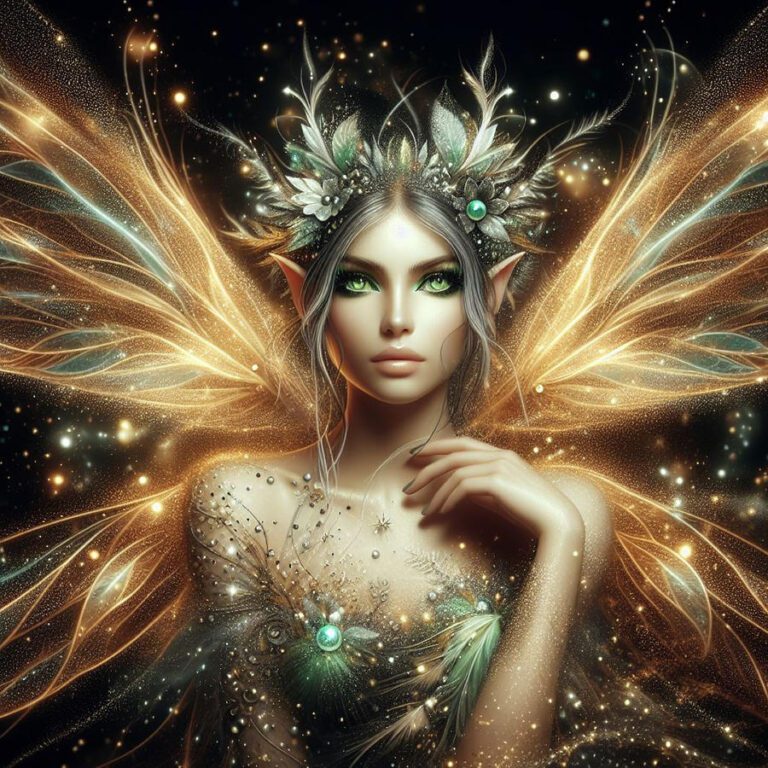
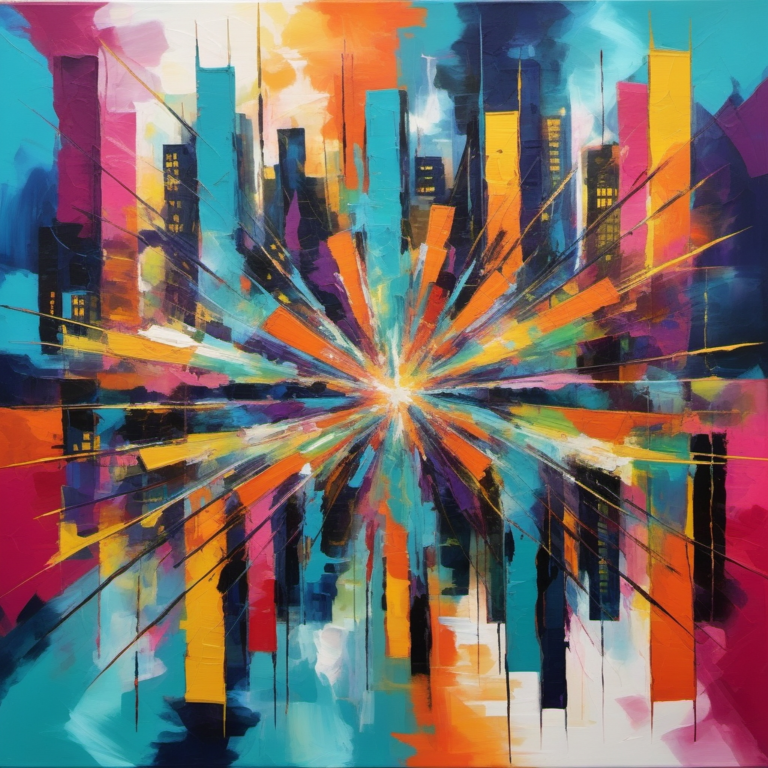
- Abstract Compositions: AI algorithms can generate mesmerizing abstract compositions characterized by intricate patterns, vibrant colors, and fluid forms. These artworks often evoke a sense of mystery and wonder, inviting viewers to interpret and contemplate the underlying meaning behind the visual imagery.
- Realistic Portraits: AI art generators are capable of producing remarkably realistic portraits that capture the essence of human emotion and expression. From lifelike portraits of historical figures to stylized caricatures of contemporary personalities, AI-generated portraits showcase the power of machine learning in capturing the nuances of human identity and personality.
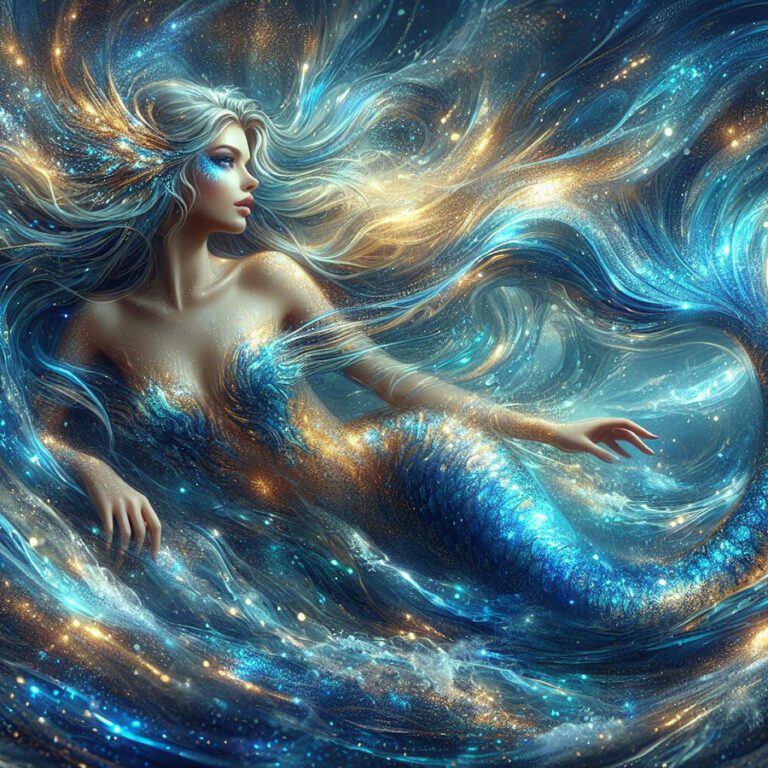
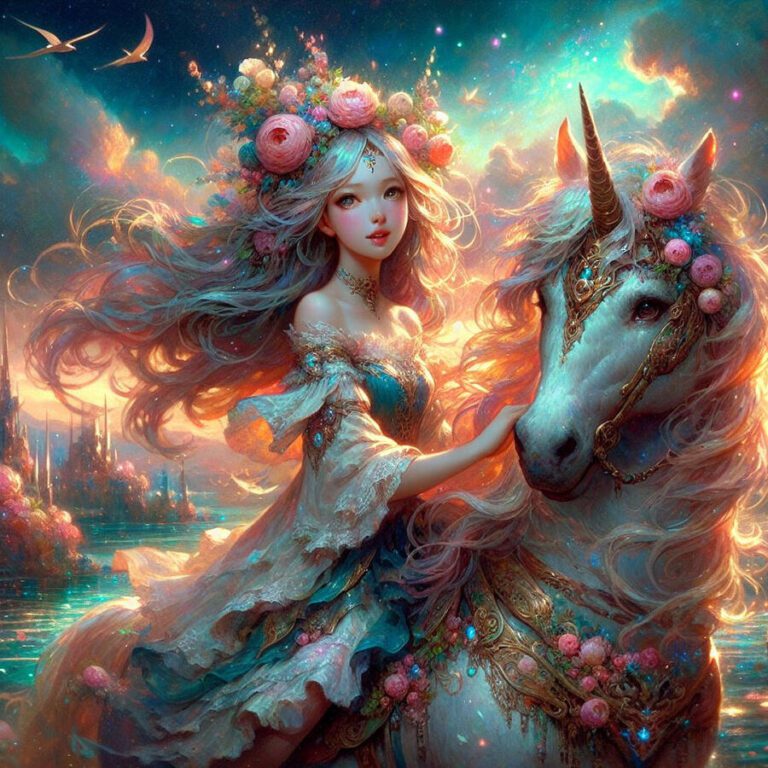
- Surreal Landscapes: AI algorithms can transform ordinary landscapes into surreal and dreamlike scenes that defy the constraints of reality. By blending elements of nature with fantastical imagery, AI-generated landscapes transport viewers to imaginary worlds filled with whimsy, enchantment, and otherworldly beauty.
- Experimental Media: AI art extends beyond traditional two-dimensional forms, encompassing a wide range of experimental media such as digital sculptures, generative animations, and interactive installations. These cutting-edge artworks blur the lines between art and technology, inviting viewers to engage with the creative process in new and innovative ways.
- Collaborative Creations: AI art tools enable collaboration between humans and machines, allowing artists to work alongside intelligent algorithms to co-create unique and hybrid artworks. Whether it’s combining human sketches with AI-generated textures or integrating machine-generated elements into mixed-media compositions, collaborative creations demonstrate the symbiotic relationship between human creativity and artificial intelligence.
Through these examples, it becomes evident that AI-generated art has the potential to inspire, provoke, and challenge our perceptions of art and creativity. By harnessing the power of AI, artists can explore new artistic horizons, experiment with innovative techniques, and push the boundaries of traditional artistic practices. As AI continues to evolve and advance, the possibilities for artistic expression are virtually limitless, offering a tantalizing glimpse into the future of art in the digital age.
FAQs
- What is AI art generation, and how does it work?
- AI art generation involves using advanced algorithms and machine learning techniques to create artwork autonomously or in collaboration with human input. These algorithms analyze patterns, styles, and visual features from existing artwork to generate new compositions.
- Do I need technical skills or artistic expertise to use AI art generators?
- No, many AI art generators are designed with beginners in mind and offer intuitive interfaces and guided workflows that require minimal technical skills or artistic expertise to use effectively.
- Are there copyright issues associated with using AI-generated art?
- The legality of using AI-generated art depends on various factors, including the source material used and the intended use of the artwork. It’s essential to be mindful of copyright laws and licensing agreements when using AI art generators.
- Can I customize the artwork generated by AI?
- Yes, many AI art generators offer customization options such as adjusting artistic styles, colors, and compositions to suit your preferences. Some platforms also allow users to input their creative input or modify the output generated by AI algorithms.
- How can I ensure the quality of the AI-generated artwork?
- The quality of AI-generated artwork can vary depending on factors such as the complexity of the algorithms used, the quality of the input data, and the level of customization applied. Experimenting with different settings and techniques can help optimize the quality of the final output.
- Are there ethical considerations to be aware of when using AI art generators?
- Yes, ethical considerations surrounding AI art generation include issues such as the ownership of generated artwork, the potential for bias in AI algorithms, and the implications for the future of human creativity and artistic expression. It’s essential to be aware of these considerations and approach AI art generation responsibly.
- How can I get started with AI art generation?
- To get started with AI art generation, begin by exploring beginner-friendly AI art generator software and experimenting with different tools and techniques. Take advantage of tutorials, online resources, and communities to learn and improve your skills in AI art creation.
External Sources
For readers who are interested in delving deeper into the fundamentals of AI art, I recommend exploring the comprehensive guide provided by the MIT Technology Review. This authoritative source offers an in-depth exploration of the principles behind AI art generation, including the underlying algorithms, techniques, and ethical considerations. You can access the article here.
To help readers make the most of their AI art generation journey, I suggest checking out the tutorial series hosted by Creative Bloq. This informative resource provides step-by-step guidance on how to use AI art generators effectively, covering topics such as choosing the right software, mastering key techniques, and unleashing your creativity. Dive into the tutorials here and start creating stunning AI-generated artwork today!