Beginners Guide to Creating AI Art
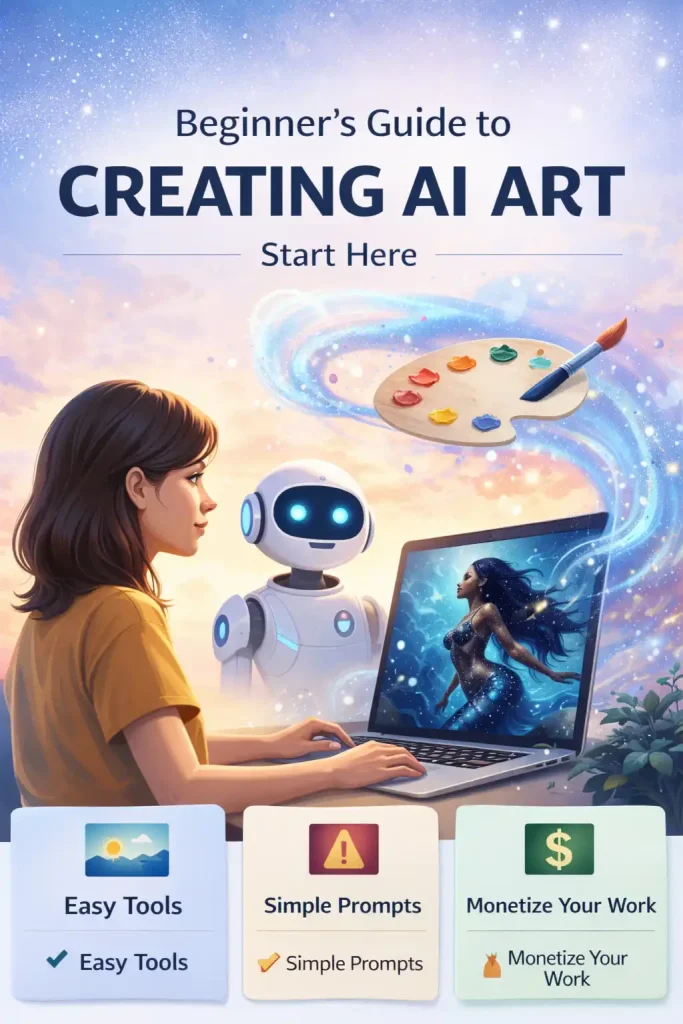
Artificial intelligence is changing how art is created – and you don’t need to be an artist to start.
Whether you want to create beautiful visuals, design products, or build a creative income stream, AI art gives you the tools to do it faster and easier than ever before.
This guide will walk you through everything you need to know—from choosing tools to creating your first image and improving your results.
👉 Bookmark this page — you’ll come back to it as you improve.
We’re currently expanding and improving this guide to make it even more helpful for beginners.
New sections are being added, including:
- Better prompt examples
- Tool comparisons
- Step-by-step workflows
Feel free to explore what’s here now — and check back soon for updates.
🔍 How This Guide Was Created
This guide is based on:
- Testing beginner-friendly AI art tools
- Real prompt experimentation
- Common mistakes new users make
Our goal is simple:
Help you create better AI art faster without confusion.
Not Sure Where to Start? Follow This Path
Fix Bad AI Art
→ Fix Bad AI Art (coming soon)
Who This Guide Is For (and Who It’s Not)
This guide is for you if:
- You’re completely new to AI art
- You want simple tools and clear steps
- You want to create images for content, products, or fun
This guide is NOT for you if:
- You want advanced coding or model training
- You’re already using complex Stable Diffusion workflows
👉 For advanced workflows: → AI Art Techniques (Advanced Guide) coming soon
✨ What Is AI Art? (Simple Explanation)
AI art is artwork created with the help of artificial intelligence.
Instead of drawing manually, you:
- Describe what you want
- Choose a style
- Let AI generate the image
Think of it like:
You describe it… AI creates it.
How AI Art Works (Beginner Breakdown)
AI tools are trained on millions of images.
They learn patterns like:
- Lighting
- Style
- Shapes
- Composition
Then they generate new images based on your prompt.
👉 Learn more:
→ How AI Art Works (Beginner-Friendly Explanation) – coming soon
Best AI Art Tools for Beginners
(What Should You Use?)
✅ Easiest Option
→ Canva AI or DALL·E
Simple & beginner-friendly
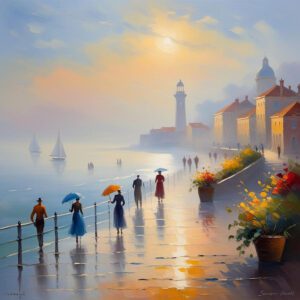
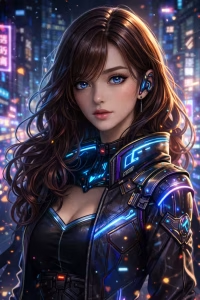
🌟 Best Quality
→ Midjourney
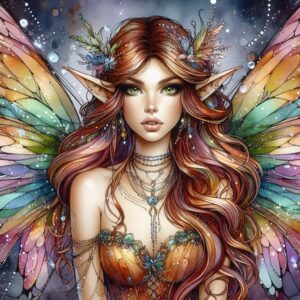
⚙️ Full Control
→ Stable Diffusion
How to Create Your First AI Image (Step-by-Step)
Step 1: Choose a Tool
Start with Canva AI or DALL·E
Step 2: Write a Prompt
Example:
“Golden sunset over ocean waves, soft lighting, cinematic”
Step 3: Generate the Image
Click generate and review results
Step 4: Refine the Prompt
Adjust:
- Style
- Lighting
- Detail
Step 5: Save and Use
Use for:
- Blog images
- Social media
- Products
Simple AI Art Workflow (Use This Every Time)
- Start with a clear idea
- Write a prompt
- Generate image
- Review results
- Adjust prompt
- Repeat
AI art is not one-click — it’s iteration.
📌 Quick Prompt Cheat Sheet
Use this formula:
Subject + Style + Lighting + Detail
Example:
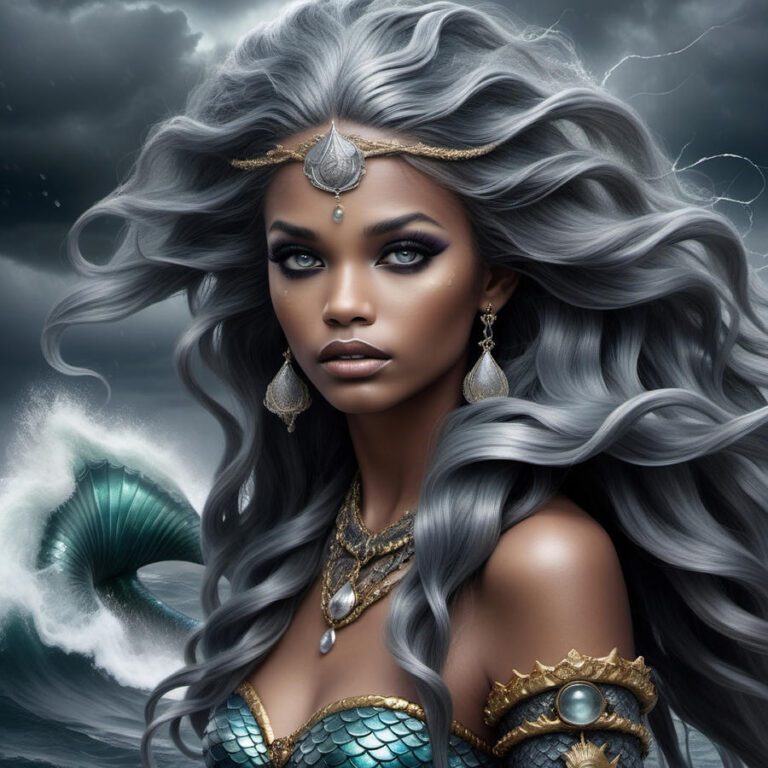
“Black mermaid underwater, glowing blue light, fantasy art, highly detailed”
👉 Learn prompting in depth: → AI Art Prompt Engineering Guide
👉 Fix bad results: → Negative Prompts Explained
FAQs
No. You don’t need drawing or design skills to create AI art. The most important skill is learning how to write clear prompts and refine your results. Many beginners create high-quality images within minutes using simple tools.
For most beginners:
Canva AI and DALL·E are the easiest to use
Midjourney produces higher-quality images but has a learning curve
👉 If you’re unsure, start simple and upgrade later.
→ Best AI Art Generators (Compared for Beginners)
This usually happens because of:
Vague prompts
Conflicting instructions
Missing detail
AI tools rely heavily on how you describe the image. Small prompt changes can dramatically improve results.
→ Why Your AI Art Looks Bad (And How to Fix It)
Most beginners see improvement within a few days of practice.
The biggest learning curve is:
Writing better prompts
Understanding how to refine results
You don’t need months or years like traditional art.
Yes, in many cases – but it depends on the tool you use.
Each platform has its own terms of use, so always check:
Commercial rights
Licensing rules
Usage restrictions
Negative prompts tell the AI what to avoid.
Example:
“no blur, no distortion, no extra limbs”
They are especially helpful when:
Fixing bad outputs
Improving image quality
→ Negative Prompts Explained (Beginner Guide)
No. AI art is a tool, not a replacement.
It allows:
Faster creation
More experimentation
New creative styles
But human creativity, direction, and ideas still drive the results.
Prompt writing.
If you focus on:
Clear descriptions
Style keywords
Lighting details
You’ll improve faster than anything else.
Final Thoughts
AI art is one of the most accessible ways to start creating today.
You don’t need:
- Expensive tools
- Years of experience
- Technical knowledge
You just need:
- A clear idea
- A simple tool
- A willingness to experiment
The biggest shift to understand is this:
AI art isn’t about skill – it’s about direction.
The more you practice writing prompts, refining results, and experimenting with styles, the better your images will become.
Start simple. Stay consistent. Improve gradually.
Join the Conversation
Share your thoughts, creations, and experiences with us in the comments below. Let’s spark a conversation and inspire each other to push the boundaries of creativity with AI art. Don’t forget to share this guide with your friends and fellow art enthusiasts to spread the joy and wonder of AI art far and wide. Together, let’s continue to explore, create, and innovate in the exciting world of AI art!
One More Step
If you’re ready to go deeper, here’s where to go next:
👉 Best AI Art Generators (choose your tool)
👉 Prompt Engineering Guide (learn prompting)
👉 Negative Prompts Guide (fix mistakes)
👉 How to Make Money with AI Art (monetize your work)
👉 Bookmark this guide and come back as you grow — this is your starting point, not the finish line.
External Sources
Online Resources and Tutorials:
- Runway ML Guides: Explore the guides and tutorials offered by Runway ML to discover how to leverage pre-trained machine learning models for creative projects.
- Artbreeder Community: Join the vibrant community of artists on Artbreeder to create and explore a diverse array of AI-generated images by blending and evolving existing artworks.
Research Papers and Academic Resources:
- “A Neural Algorithm of Artistic Style” by Leon A. Gatys et al.: Delve into the seminal research paper that introduced the concept of neural style transfer and laid the foundation for AI art.
- “Generative Adversarial Networks” by Ian Goodfellow et al.: Explore the groundbreaking research paper that introduced the concept of Generative Adversarial Networks (GANs) and revolutionized the field of AI art.
Online Courses and Workshops:
- Creative Applications of Deep Learning with TensorFlow: Enroll in this online course offered by the Stanford University School of Engineering to learn how to use deep learning techniques for creative applications, including AI art.
- AI Art School: Join the AI Art School community to access a series of workshops, tutorials, and resources designed to help artists of all levels explore the intersection of AI and art.
Forums and Communities:
- AI Art Subreddit: Engage with fellow artists and enthusiasts on the AI Art subreddit to share your creations, ask questions, and participate in discussions about AI-generated art.
- Artificial Intelligence for Creative Industries Forum: Connect with artists, researchers, and technologists on the Artificial Intelligence for Creative Industries forum to explore the latest developments and trends in AI art.